Majestic Win First Deposit Guide – GCash, Maya, and Bank Transfer for Beginners
Why This Guide Matters for Your First Majestic Win Deposit
Making your first deposit at an online casino can feel confusing if you've never done it before. This guide walks Filipino players through every step of funding a Majestic Win account using GCash, Maya, or bank transfer—the three main payment methods available on the platform.
Before you start, make sure you've already completed your Majestic Win register process and logged into your account. You must be 21 years or older to play. Always set a deposit limit you can afford and never chase losses.
Minimum Deposit Amounts at Majestic Win
Majestic Win sets a minimum deposit amount that most Filipino players find accessible. The typical minimum deposit is PHP 100, though this can vary slightly depending on the payment method you choose and any ongoing platform updates.
Most first-time players deposit between PHP 100 and PHP 500 as they get familiar with the platform. This range lets you try a few slot spins, place a couple of sports bets on PBA or NBA games, or join a live dealer table without risking a large amount while you're still learning.
There is no maximum deposit for most methods, but your e-wallet or bank may have its own daily transfer limits. Check your GCash or Maya app settings if you plan to deposit more than PHP 10,000 in a single transaction.
Step-by-Step: Depositing via GCash on Mobile
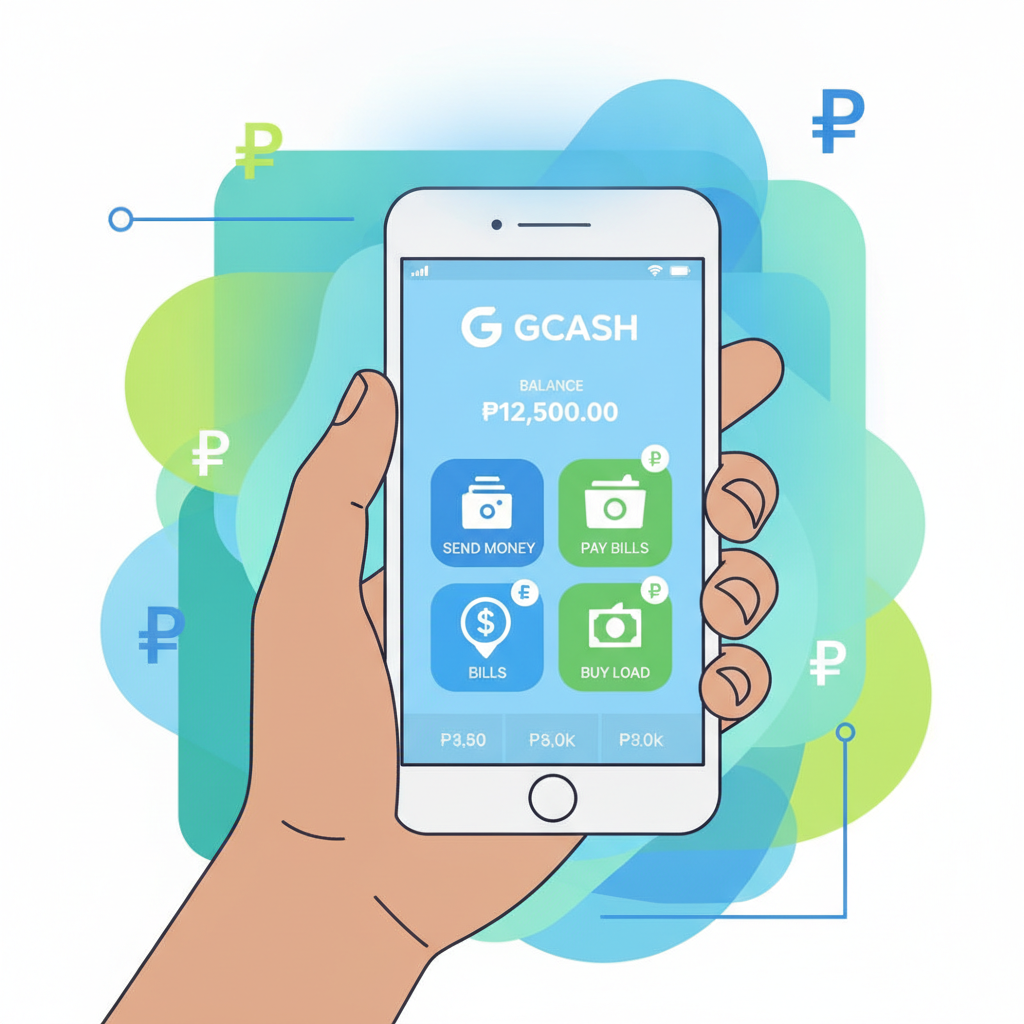
GCash is the most popular deposit method for Majestic Win because it's fast, widely used across Metro Manila and the provinces, and works smoothly on Android phones. Here's exactly how to do it:
1. Log In to Your Majestic Win Account
Open the Majestic Win site on your mobile browser. Tap the login button, enter your username and password, then tap to confirm. You'll land on the main lobby page.
2. Go to the Deposit or Cashier Section
Look for a button labeled "Deposit," "Cashier," or a peso (₱) icon, usually in the top-right corner or the main menu. Tap it to open the deposit screen.
3. Choose GCash as Your Payment Method
You'll see a list of payment options. Tap on GCash. The platform may show the current minimum deposit amount and any deposit limits.
4. Enter Your Deposit Amount
Type in how much you want to deposit—at least PHP 100. Double-check the number, then tap "Continue" or "Next."
5. Confirm and Redirect to GCash
Majestic Win will redirect you to the GCash payment page or generate a QR code. If you see a QR code, open your GCash app, tap "Scan QR," and point your camera at the screen. If redirected, log in to GCash with your MPIN.
6. Authorize the Payment
Review the amount and recipient details in your GCash app. Tap "Confirm" or "Pay Now." GCash will deduct the amount from your wallet balance and send a confirmation.
7. Return to Majestic Win
After the payment is confirmed, you'll be redirected back to the Majestic Win site. Your account balance should update within a few seconds. If it takes longer than two minutes, refresh the page or check your transaction history.
Most GCash deposits land instantly, making it the fastest option for players who want to start betting right away.
How to Deposit Using Maya
Maya (formerly PayMaya) is another e-wallet option that works well for Majestic Win deposits. The process is nearly identical to GCash.
Steps to Deposit with Maya
- Log in to Majestic Win and navigate to the Deposit or Cashier section.
- Select Maya from the list of payment methods.
- Enter your deposit amount—again, the minimum is typically PHP 100.
- Tap "Continue" to proceed to the Maya payment gateway.
- Log in to your Maya account using your password or biometric authentication.
- Confirm the transaction in the Maya app. Review the amount and recipient, then tap "Pay" or "Confirm."
- Return to Majestic Win automatically. Your balance should update within seconds.
Maya deposits are also instant in most cases. If your balance doesn't update immediately, wait one to two minutes and refresh the page. Keep your Maya app open so you can check your transaction history if needed.
Depositing via Bank Transfer: InstaPay and PESONet
If you don't use GCash or Maya, you can deposit using a direct bank transfer. Majestic Win supports two interbank networks in the Philippines: InstaPay and PESONet.
Understanding the Difference
- InstaPay: Real-time transfers, processed within seconds to a few minutes. Available 24/7. Most banks charge a small fee (around PHP 10–25 per transaction).
- PESONet: Batch processing, can take a few hours or until the next banking day. Usually free or has a lower fee than InstaPay.
For your first deposit, InstaPay is the better choice if you want to play immediately.
Steps to Deposit via Bank Transfer
- Log in to Majestic Win and go to the Deposit section.
- Choose "Bank Transfer," "InstaPay," or "PESONet" from the payment list. The platform will display the recipient bank account details—account name, account number, and bank name.
- Write down or screenshot these details. You'll need them in your banking app.
- Open your bank's mobile app (BDO, BPI, Metrobank, UnionBank, etc.).
- Navigate to "Send Money" or "Transfer Funds." Select InstaPay or PESONet as the transfer type.
- Enter the recipient details exactly as shown on the Majestic Win screen. Double-check the account number to avoid errors.
- Enter your deposit amount (minimum PHP 100) and add your Majestic Win username in the remarks or reference field. This helps the platform match the payment to your account.
- Review and confirm the transfer. Your bank will deduct the amount and show a transaction reference number. Save or screenshot this reference.
- Return to Majestic Win and, if prompted, enter your transaction reference number in the deposit form. Some platforms do this automatically.
InstaPay deposits usually credit within 5 to 15 minutes. PESONet can take two to four hours during banking hours, or until the next business day if submitted after cut-off time (usually 5:00 PM).
Checking That Your Deposit Has Landed
After you've completed any deposit method, here's how to confirm the money is in your Majestic Win account:
Check Your Account Balance
Look at the top-right corner of the Majestic Win site or app. Your peso balance should reflect the new total. If it hasn't updated yet, tap the refresh icon or reload the page.
View Your Transaction History
Go to your account settings or cashier section and find "Transaction History" or "Deposit History." This page lists all your deposits with timestamps, amounts, and status (pending, completed, or failed).
What to Do If Your Deposit Is Delayed
- Wait a few minutes. GCash and Maya deposits are instant, but network delays can occur. Bank transfers via InstaPay can take up to 15 minutes.
- Check your e-wallet or bank app to confirm the payment was deducted. If it wasn't, the transaction may have failed at the payment gateway—try again.
- Contact Majestic Win support if your money left your wallet or bank account but hasn't appeared in your casino balance after 30 minutes. Have your transaction reference number ready.
Most first-deposit issues are resolved quickly. Keep screenshots of your payment confirmation and transaction details in case you need to share them with support.
Responsible Gambling and Age Reminder
Majestic Win is only for players aged 21 and over. If you are under 21, do not register or deposit.
Depositing money should always be a choice you make within your budget. Here are a few reminders:
- Set a deposit limit before you start. Only deposit what you can afford to lose.
- Never borrow money to gamble or deposit at an online casino.
- Take breaks. If you feel the urge to deposit more after losing, step away and return when you feel calm.
- Gambling should be entertainment, not a way to make money or solve financial problems.
If you feel that gambling is affecting your life, finances, or relationships, reach out for help. Organizations like Gamblers Anonymous Philippines offer confidential support.
Ready to Fund Your Account
Now that you know how to make your first Majestic Win deposit using GCash, Maya, or bank transfer, you can fund your account and start exploring the platform—whether that means spinning slots, joining a live baccarat table, or placing your first bet on a PBA game.
Double-check your deposit method, confirm your balance after the transaction, and always stay in control of how much you spend. Good luck, play responsibly, and enjoy your time on Majestic Win.
Remember: You must be 21+ to play. Set limits and gamble responsibly.